 AI Character
Make a character once. Put them in every scene.
Describe a character or upload references. Get a turnaround sheet, then render the same character in new scenes and short clips. Anime, 3D, comic, realistic, cartoon, chibi, pixel and painterly.
30 free credits on sign-up · no card needed
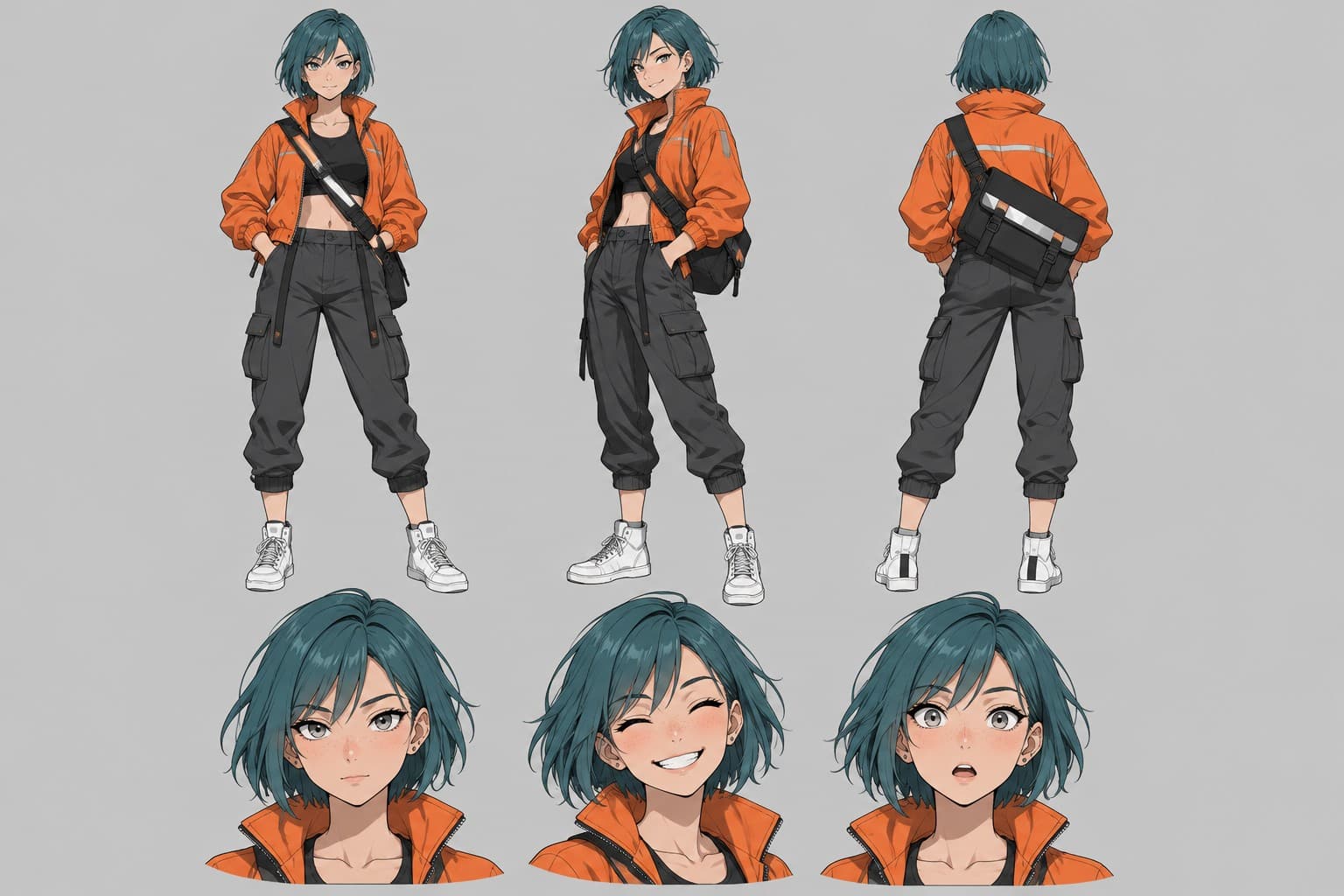
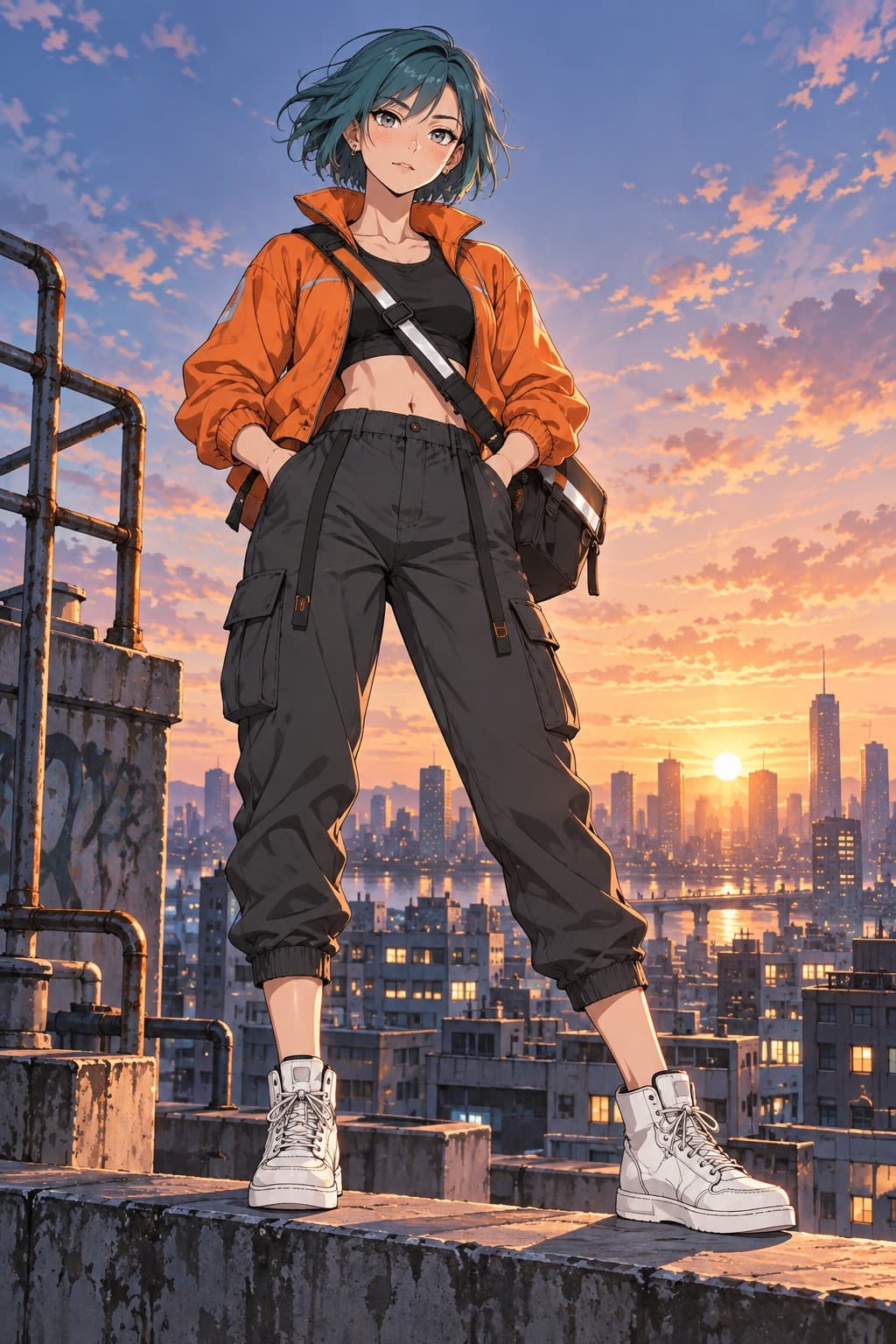

“Eating noodles at a neon-lit night-market stall, steam rising, chopsticks mid-air, grinning”
scene prompt · 1:1Eight looks, one character.
Pick a style when you make the character. Switch it later and render a new scene to see the same design in a different language.
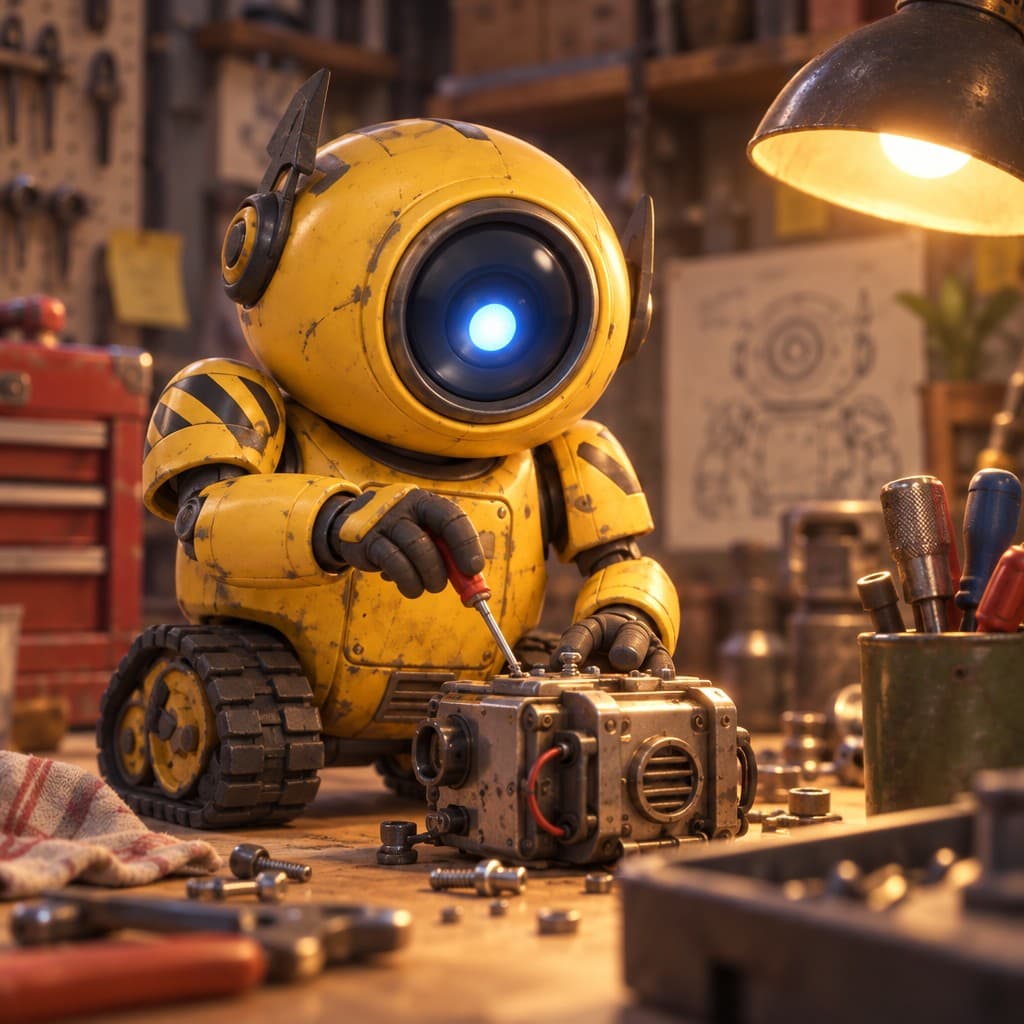
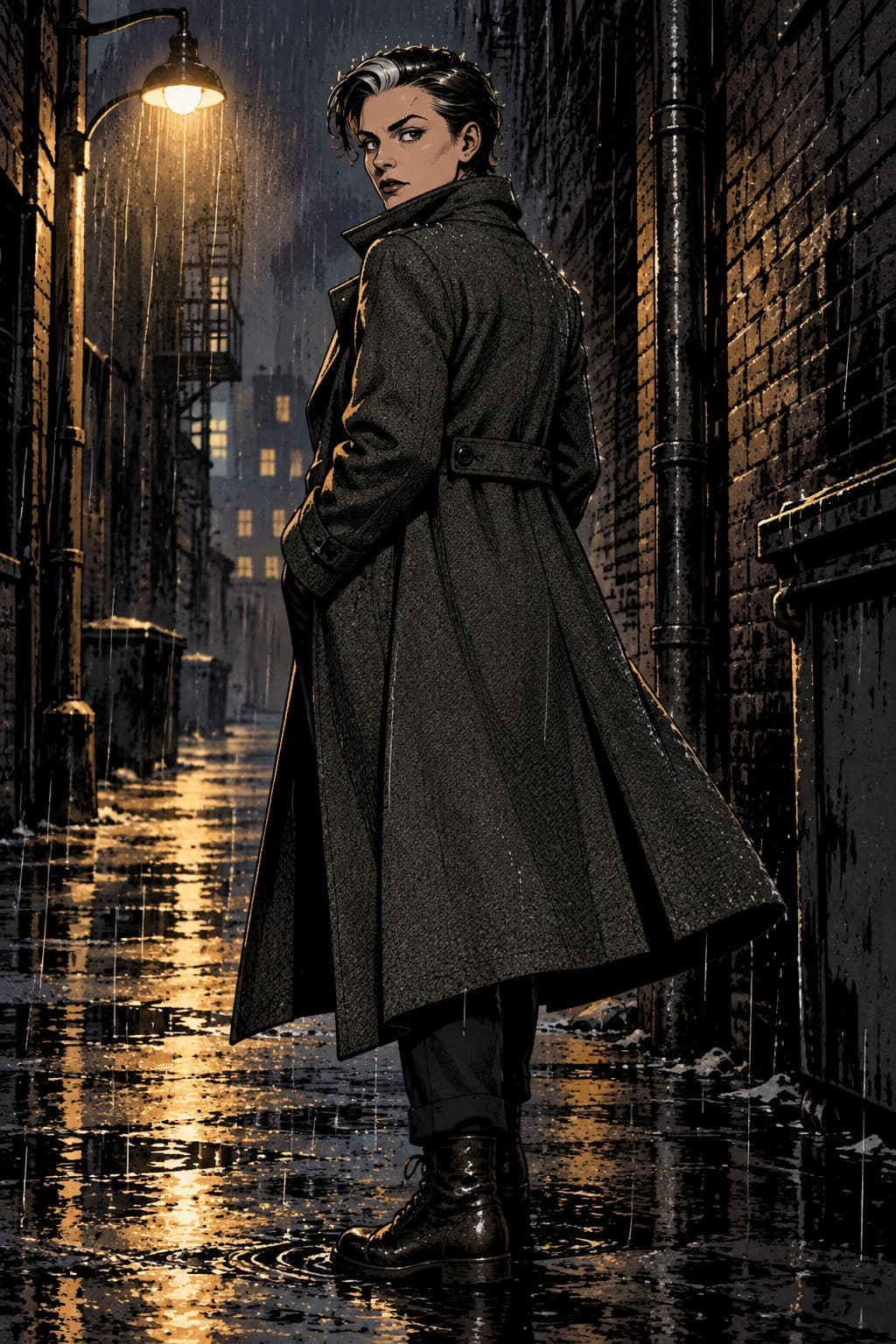

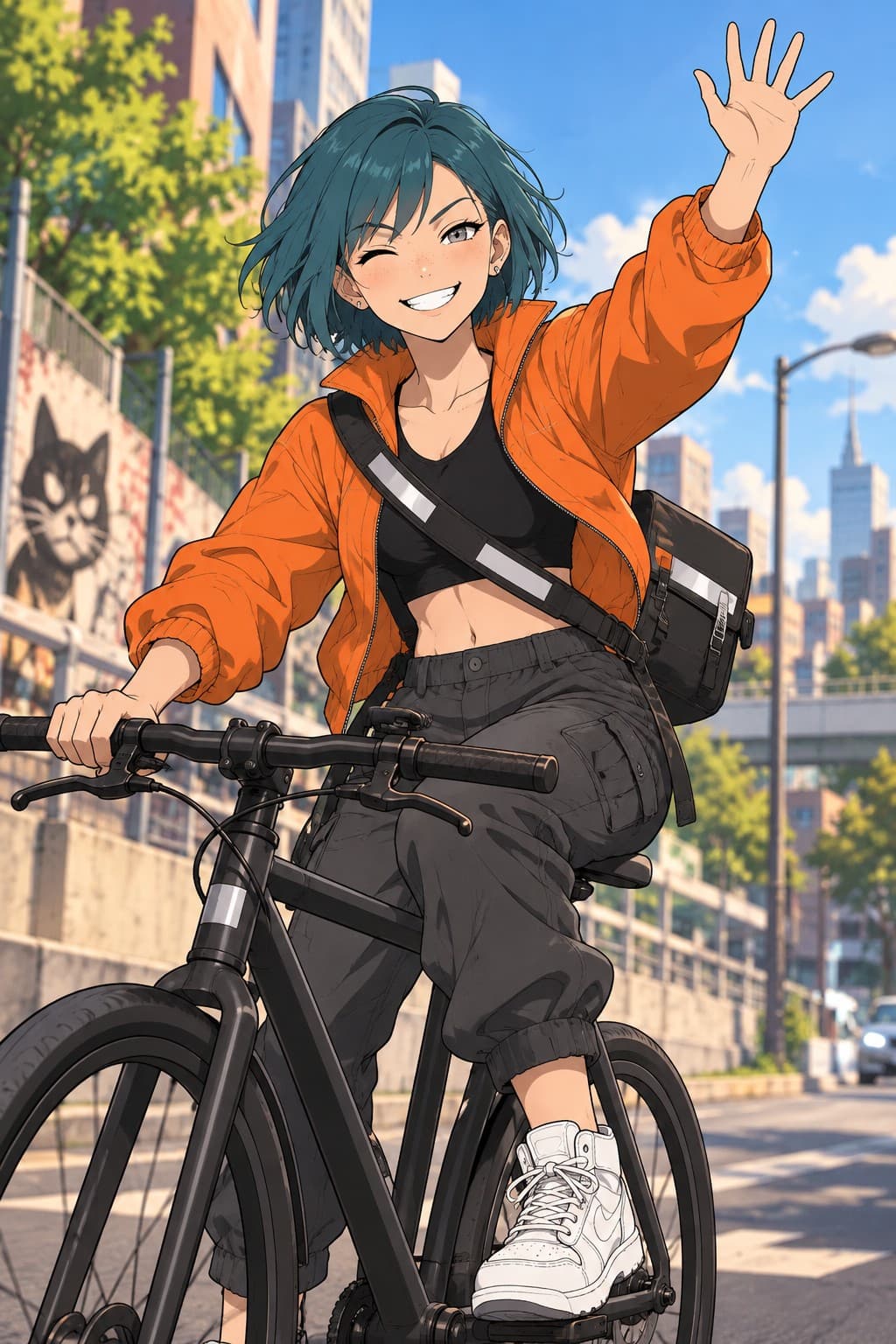



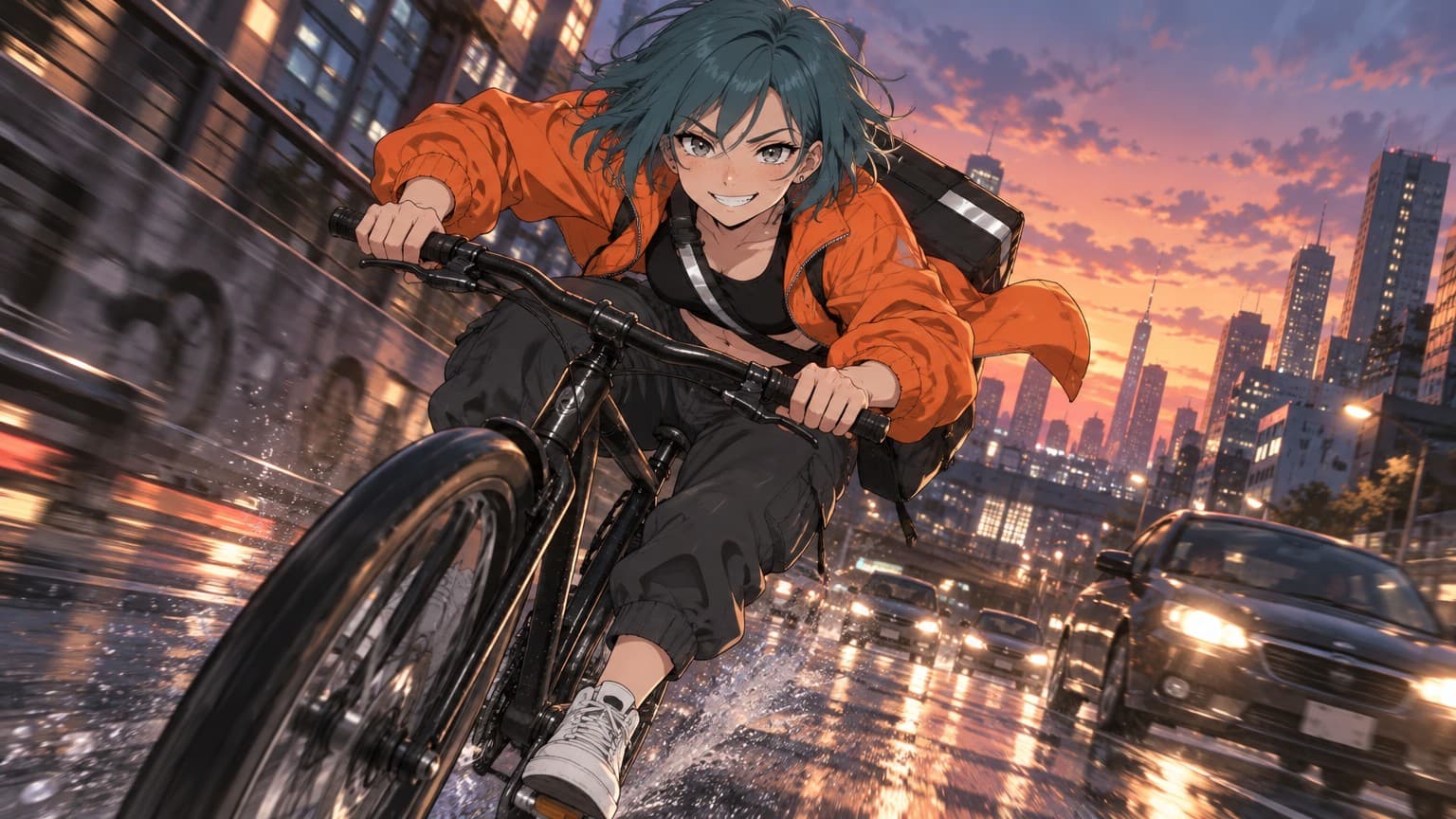
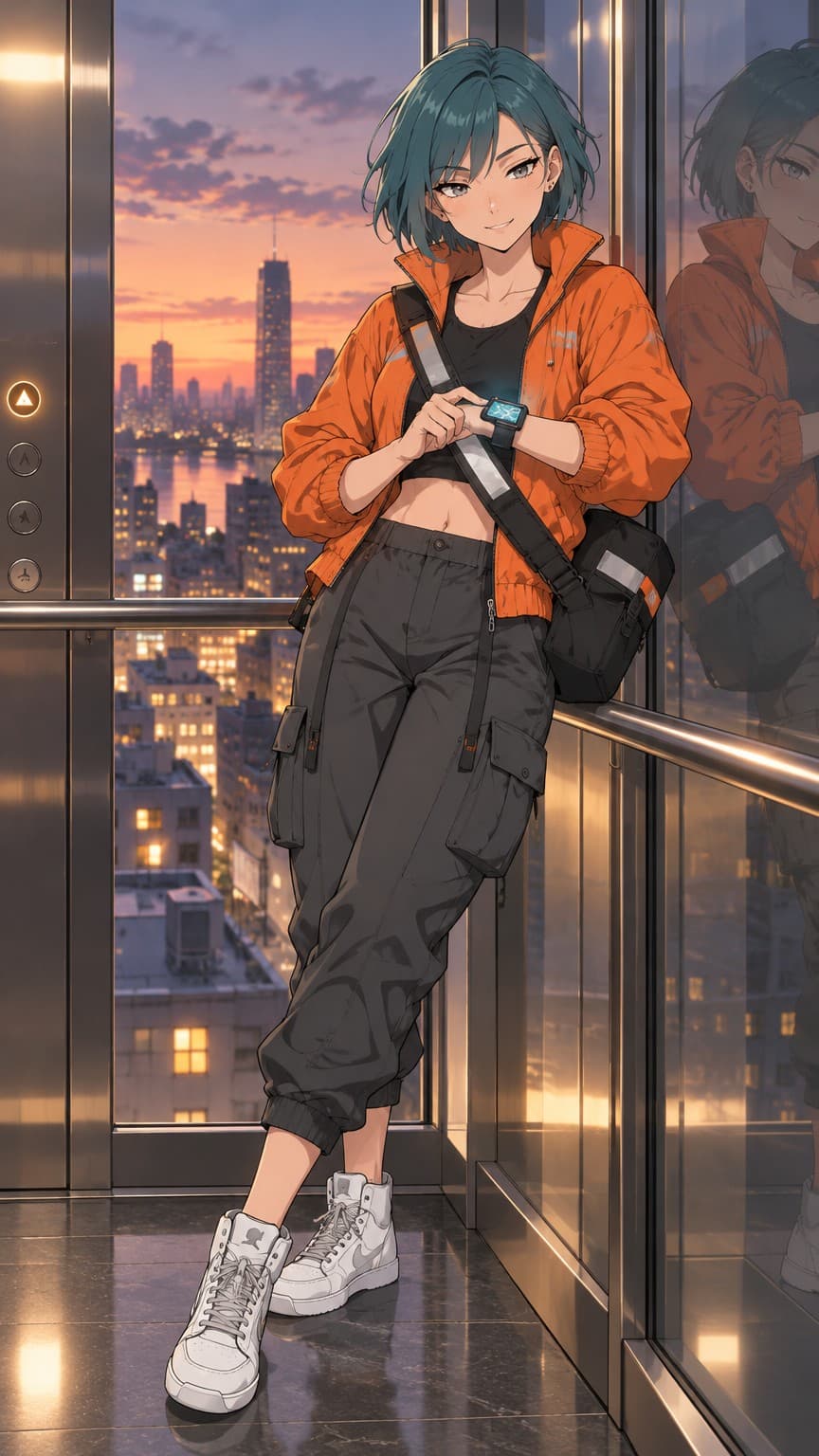
Same character. New scene.
Nova's references ride along with every render. Type the scene, not the character.
Four steps from idea to clip.
- 01
Describe or upload
Write what the character looks like, or drop in 1–10 reference images you already have.
- 02
Get the sheet
Describe mode draws a turnaround sheet: front, side and back on one canvas. It becomes the first reference.
- 03
Render scenes
Type a scene, pick a shape and a tier. Edit with a sentence, upscale to print, pin keepers as references.
- 04
Make clips
Animate a finished image or write a scene. 3–10 seconds, 360p to 4K, played inline when ready.
Short clips of the same character.
Animate any finished image with a line of motion, or write the scene and let the opening image be drawn first.
What people make.
Credits, not seats.
A Clean image is 22 credits. A second of 720p clip is 27. Start with 30 free.
Questions people ask.
What is an AI character generator?
A tool that builds a reusable character, with references, so later images and clips keep the same face, outfit and proportions. You describe the character or upload references, get a turnaround sheet, then render scenes and clips of that same character.
Do I need to upload anything?
No. Describe mode draws a turnaround sheet from text. If you already have art or photos of the character, upload mode uses one to ten of them as references instead.
Which styles are available?
Realistic, anime, 3D animated, cartoon, comic, chibi, pixel art and painterly. The style is a label on the character, so you can try another one on a later scene.
How are credits spent?
A sheet or image costs 5 credits at Rough, 22 at Clean and 80 at Detailed. Edits are 6 / 25 / 85. Clips are priced per second: 8 at 360p, 27 at 720p, 40 at 1080p, 80 at 4K. Credits are only returned when a request is stopped before it reaches the model.
Who owns the characters I make?
You own it. The output you create at your direction is yours to use under the terms of service. Copyright law varies by country, so consult a lawyer for your situation. Read the terms
How long do renders take?
Sheets and images usually finish in under a minute. Clips take a few minutes; the studio checks for the finished clip and plays it inline when it is ready.
Can I delete a character?
Yes, from the studio. Deleting a character removes all of its images, clips and references.
Your character is one paragraph away.
Describe them, pick a style, and the sheet is drawn in about a minute.
Make a character